
Blog / News
Meta Launches Spaces in Muse and Upgrades Memory in Meta AI
Meta introduces customizable Spaces in its Muse personal AI agent app and rolls out Active Memory and Active Focus models to Muse and Meta AI.
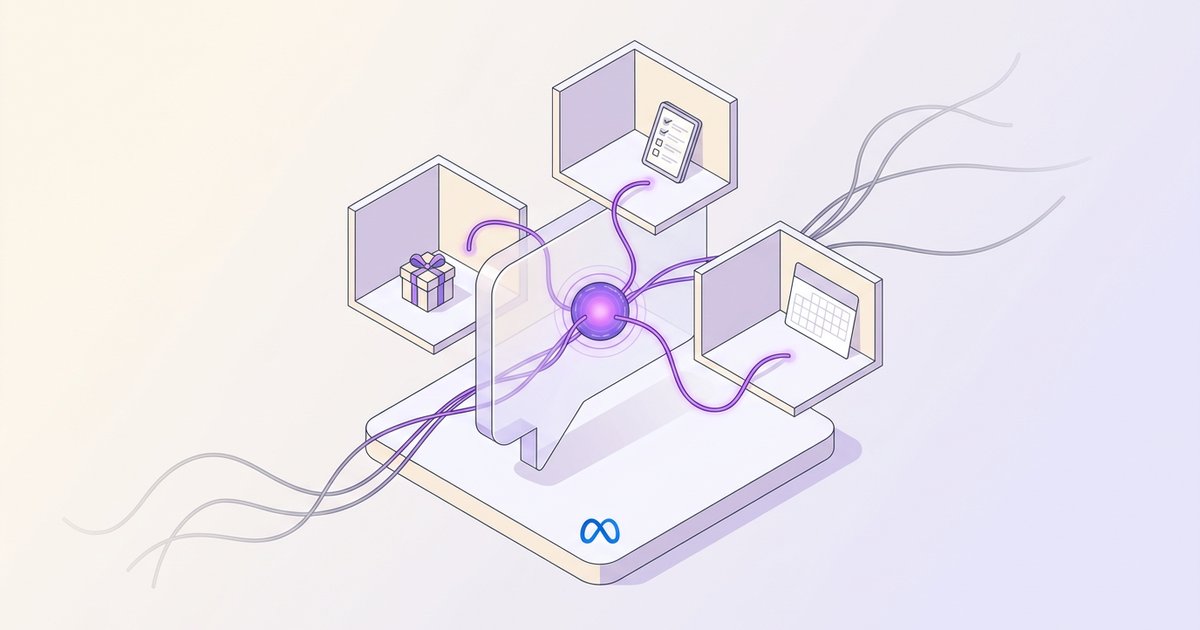
On November 6, 2026, Meta Platforms launched a new feature called Spaces inside its Muse personal AI agent app.1, 2 On the same day, the company began rolling out specialized AI models to both Muse and Meta AI to improve how they remember details and recover from mistakes during tasks.2
What happened
Meta describes a Space as a custom experience that users build inside the Muse app simply by describing an idea in chat. Once a user explains a goal, Muse generates an interactive interface tailored to that request. Examples shared by Meta include holiday gift trackers, wedding planners, small-business order trackers, school dashboards, and daily word games.3, 4 Meta CEO Mark Zuckerberg promoted the feature on X on November 6, noting that he used Spaces to make a barbecue game, an event tracker, and a home management dashboard.5, 6
Unlike a standard chat thread, Spaces act as persistent tools inside the app.1, 4 Users can edit items, check off tasks, and refine the layout over time. They can also pin Spaces to the app's sidebar or main tabs, hide them when not needed, or schedule them to appear on specific days.3, 4
Spaces can also update themselves in the background when users connect external services. According to Meta, this allows a Space to pull in new concert dates, price changes, or savings progress automatically without the user having to ask. It can also bring in items like Instagram saves and Marketplace listings.3, 7 The Verge reported that Muse's third-party integrations include Gmail, Google Calendar, OpenTable, and Notion, though Meta did not release an official compatibility list specific to Spaces or state how often background refreshes occur.7, 8
Spaces launched across all platforms and regions where Muse is offered, including the United States, Canada, and Japan. However, Spaces are strictly single-player at launch. Multi-user collaboration is not supported yet, though Meta stated it is exploring ways for people to share Spaces in the future.1, 3
Alongside the interface update, Meta published a research blog post titled "Bringing Specialized Models to Muse and Meta AI".9, 2 The company is rolling out specialized versions of its existing models that were trained using its frontier Muse Wonder model. These updated models bring two main capabilities to Muse and Meta AI: Active Memory and Active Focus.2
Active Memory trains the models to tell the difference between temporary and permanent information, reason across time, and drop stale details while keeping relevant context across separate conversations. In internal tests, Meta reported that the updated Muse model is 2.4 times less likely to forget critical information and applies context properly in 90% of tasks on its Active Memory evaluation, up from 76% on the prior model.2
Active Focus trains the models on real-world bottlenecks so they can adapt to mid-task clarifications, recover from errors, or try alternative approaches. Meta reported a 67% improvement for Muse in finishing everyday tasks when unexpected problems come up, though the company did not disclose the baseline completion rate.9, 2 Overall, Meta stated that the new Muse model scored 47% on its internal Personal Superintelligence Index, compared to 38% previously.2
Why it matters
Many people want an AI that remembers them and does things for them without needing to repeat instructions in every chat. Standard text threads often bury useful trackers, lists, and ongoing projects under new messages. By turning prompts into pinned dashboards that refresh in the background, Muse gives users a way to keep recurring workflows organized in one place.1, 4
The model upgrades also address two common frustrations with AI agents: forgotten context and brittle task execution.2 When an AI agent connects to external tools like email or calendars, small obstacles often cause the task to fail. Training smaller or specialized models to handle mid-task changes and filter out outdated memory is a practical step toward making everyday automation more reliable.9, 2
At the same time, the release highlights current limits. Because Spaces cannot be shared yet, families or small teams cannot co-edit a wedding planner or order tracker inside Muse.1, 3 In addition, all the benchmark gains for Active Memory and Active Focus come from Meta's internal evaluations rather than independent testing.2
How it compares
Muse, Meta AI, and Gloabi all focus on remembering user context and helping with tasks, though they connect to different ecosystems and run on different devices.2, 7
| Feature | Meta Muse | Meta AI | Gloabi |
|---|---|---|---|
| Price | Not stated | Not stated | Free Basic; $20/mo Enhanced on web |
| Regions | US, Canada, Japan, and others | Not stated | US, UK, Canada, and Australia |
| Memory | Active Memory across separate chats | Active Memory across separate chats | Encrypted long-term memory per user |
| Custom UI / Builds | Builds interactive Spaces inside app | Not stated | Builds websites and apps (My Builds) |
| Actions & Apps | Connects Gmail, Calendar, Notion, OpenTable | Not stated | Uses any Mac app or site, Gmail, Outlook, Calendar |
| Phone & Voice | Not stated | Not stated | Free voice chat; US phone for calls/texts on Enhanced |
| Privacy | Not stated | Not stated | Never trains shared models on chats |
In detail, Muse focuses on in-app custom views through Spaces and links directly to Meta properties like Instagram saves and Marketplace, alongside third-party tools like Notion and OpenTable.3, 7 Gloabi connects to Gmail, Outlook, and calendars, calls businesses to book tables (Enhanced AI), and has a free Mac app that can shop, click, type, and run background tasks across any app or website on the user's computer.
Where Gloabi fits
Both Muse and Gloabi act as a Personal AI agent that remembers your preferences and runs errands for you.1, 2 Like Muse's Spaces, Gloabi lets users build custom tools through its My Builds feature, which creates and publishes websites and apps (30 builds a month on Basic, 200 on Enhanced AI).
Gloabi differs in how it executes tasks outside the chat window. With Enhanced AI ($20 a month on the web), Gloabi's Personal AI agent gets its own US phone number to make and answer voice calls, send texts, and book tables, plus its own email address. On the desktop, Gloabi's Mac app runs tasks locally on your own Mac—using your local password vault and asking before sensitive steps—rather than in the cloud. Also, what your Personal AI learns is never used to train shared AI models.
Muse is the better choice if you live in regions like Japan where Gloabi is not available, or if you want pinned mobile dashboards that sync in-app with Instagram, Marketplace, Notion, and OpenTable rather than using those sites on a Mac or booking tables by phone.1, 3 Gloabi also has no native Android or Windows app yet (Android users can use the web app at gloabi.com), and its phone numbers are US-only.
Sources
Your AI, Not Theirs.
Make your own Personal AI agent that knows you and gets things done for you, set up in about a minute. Basic is free. Enhanced AI adds its own phone number and email, so it can call, text and email for you.
Create your Personal AI